
Key takeaways
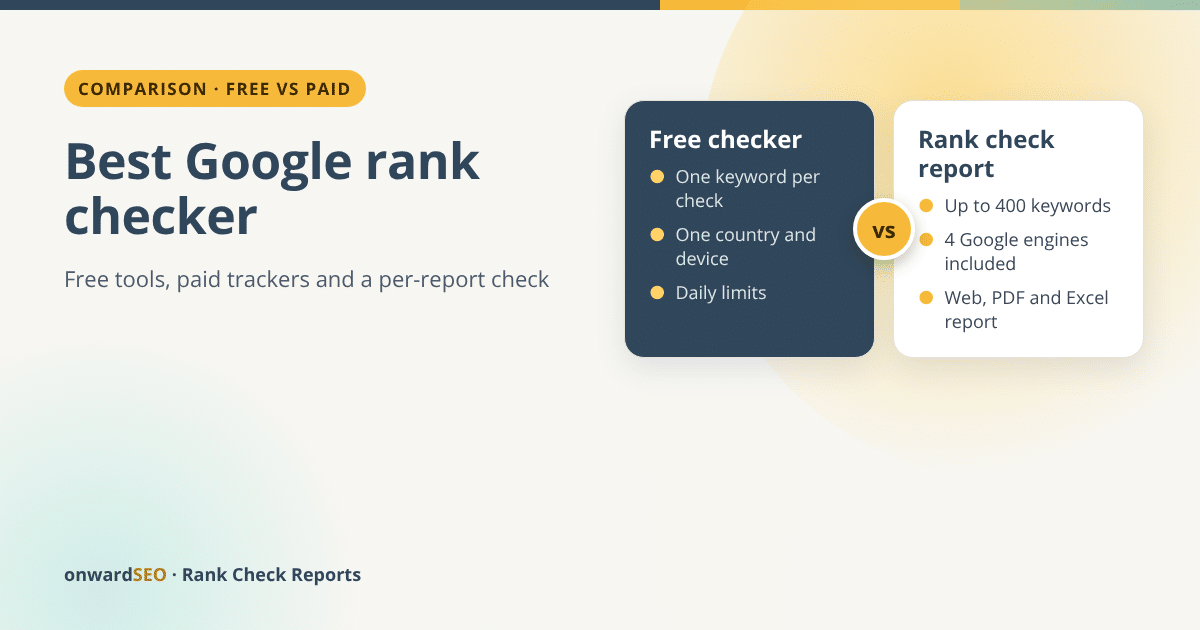
- Free Google rank checkers are built for a handful of keywords. On 16 October 2026, Seobility’s form allowed 3 checks a day and SE Ranking’s 5 free attempts a day, one keyword per check.
- Every free form we looked at asks for one country per check, and three of the four for one device. Desktop and mobile in two countries means four separate checks per keyword.
- The cheapest paid tracker we found, Keyword.com at $7 a month for 100 keywords, doesn’t say on its plan card which Google country editions are included, and its FAQ counts desktop and mobile as two keywords. Its tracking depth is explained only in a hover note.
- A per-report check suits a list you need once a month or less: from $14.99 for 100 keywords on four Google engines, with no subscription.
- The best Google rank checker is the one that matches how many keywords you have and how often you look at them.
The best Google rank checker for you depends on two numbers: how many keywords you need to check, and how often. For two or three keywords, a free checker is enough. For 100 keywords every day, you need a paid tracker. For 100 to 400 keywords once a month or less, on more than one Google edition or device, a best Google rank checker for a whole keyword list you pay for per report is often the simpler choice.
I run onwardSEO, which sells that third option, so read this as a vendor’s comparison. To keep it fair, every free tool below is described only from what its public page showed on 16 October 2026, and every paid price from pricing pages we screenshotted on 14 October 2026. I did not run checks on the free tools for this article, so I compare what each form offers, not the results it returns.
Three kinds of Google rank checker
| Kind | How it works | Best for | Watch out for |
|---|---|---|---|
| Free checker | A web form: type a keyword and a domain, see a position | A quick look at a few keywords | Daily limits on some forms, one country per check |
| Paid tracker | A subscription that re-checks a saved list daily or weekly | Lists you watch every day or every week | You pay every month, whether you look or not |
| Per-report check | You send a list once and get a finished report | A monthly or occasional check of 100 to 400 keywords | No dashboard, no alerts, no daily data |
All three find where your site appears in Google. They differ in how much work you do per keyword, and in what you hold afterwards.
Four free Google rank checkers, compared

Here are four free checkers, and what each form asked for when I opened it on 16 October 2026:
- Seobility Ranking Checker. One search term, an optional domain, a country (google.com by default), an optional city or region, and a desktop or mobile switch. Under the button: “You have 3 of 3 checks left today.”
- SE Ranking free rank checker. One keyword, an optional domain, a country, a city and a language, with tabs for desktop or mobile and a box ticked for AI Overviews results. Under the form: “You have 5 free attempts left for today.” I opened it from Romania, and it set Romania and Romanian by default.
- SERPRobot Free SERP Checker. A region (Global / US, google.com, by default), desktop or mobile, your domain, and five keyword boxes with an “Add more keywords” link.
- SEO.AI Keyword Rank Checker. One keyword, a domain and a country (United States by default). The page says it checks your rank “among the top 100 search results in Google”.

What the free forms have in common
| Seobility | SE Ranking | SERPRobot | SEO.AI | |
|---|---|---|---|---|
| Keywords per check | 1 | 1 | 5 boxes, more can be added | 1 |
| Daily limit shown on the form | 3 checks | 5 attempts | Not shown | Not shown |
| Country chosen per check | Yes | Yes | Yes (region) | Yes |
| City option on the form | Yes | Yes | Not shown | Not shown |
| Device | Desktop or mobile | Desktop or mobile | Desktop or mobile | Not shown |
Every form takes one country per check, and three of them one device per check. That is fine when you want to know where one page ranks for one search. It gets slow fast with a real list. Take 20 keywords, checked on desktop and mobile in two countries: that is 80 checks. At three or five checks a day, that is 16 to 27 days of form-filling.
A free checker answers one question at a time. A report answers the whole list at once.
Why not just search Google yourself?
You can, but your own search is not a neutral reading. Google’s help page on why your search results differ from others lists time, location, language, device type, recent searches and personalisation as reasons two people can see different results.
When a free checker is the best Google rank checker
A free checker is the right tool when:
- you want to know roughly where one page ranks for one or two searches;
- you have just published a page and want a first look;
- the answer won’t go into a client report or decide a budget.
If your list is longer than the daily limit, or you need the same check again next month and want to compare, a free checker turns into a chore. Our guide to bulk rank checker options covers the tools built for longer lists.
Paid Google rank checkers: subscriptions
A paid tracker saves your keyword list and re-checks it on a schedule. These prices are from pricing pages we screenshotted on 14 October 2026. Some showed euros because they were opened from Romania, and prices vary by location, so check the page where you are.
| Tracker | Smallest plan on 14 October 2026 | Keywords | Updates |
|---|---|---|---|
| Keyword.com | $7 a month, billed monthly | 100 credits (desktop and mobile count as 2) | Weekly (selectable), Google only |
| SERPRobot | $4.99 a month per bot | 75 keyword updates per 24 hours | Daily |
| Mangools (SERPWatcher) | €30.50 a month, or €18.85 a month billed annually | 200 | Weekly |
| Wincher Basic | €49 a month, or €41 a month billed yearly | From 500 | Daily |
| SE Ranking Core | €109 a month, or €87.20 a month billed annually | 2,000 | Daily |
For a fixed list you want to watch every week or every day, a subscription is the better buy. But a low headline price only means something once you know what it covers, and that is where plan cards get vague.
What $7 a month covers at Keyword.com

I went back to Keyword.com’s pricing page on 16 October 2026 to check three things every rank report depends on. The Search Visibility plan still cost $7 a month for 100 keywords, billed monthly.
- Which Google editions? The plan card says “Google SERP tracking only”. It doesn’t say how many Google country editions are included, or which.
- Desktop and mobile? Not on the card. The answer sits in the FAQ: “If you want to track both desktop and mobile results for the same phrase, that counts as 2 credits.” So 100 keywords on desktop and mobile use 200 credits, and the 200-keyword plan cost $10 a month on 14 October 2026.
- How deep? The card only says “Visibility depth: Consistent”. You have to hover over it to learn that Consistent means a top 50 depth, and Enhanced a top 100 depth.
The FAQ doesn’t say how a second Google country edition is counted. If it counts like a second device, 100 keywords on desktop and mobile in two editions is 400 credits, which needs the 500-keyword tier: $22 a month on 16 October 2026.
None of this makes Keyword.com a bad tracker. For weekly data on one Google edition and one device, $84 a year (12 × $7) is less than a year of monthly Rank Check Reports ($179.88), and if that is all you need, take it. The point is that the $7 isn’t the price of the same job. A Rank Check Report states all three on the price table: four Google engines included, desktop and mobile counted as separate engines at no extra cost, and a depth of top 30 or top 60 that you choose per order.
What a subscription also asks of you is a login, a setup and a monthly bill that runs whether you open the dashboard or not.
A per-report Google rank checker
A Rank Check Report for up to 400 keywords is the third kind: you send your keyword list, your website and your Google edition, and we run one live check through a Google results API. You get a web report, a PDF and an Excel file within one working day.
What one check includes:
- Up to 400 keywords, priced by tier: $14.99 for up to 100 keywords (top 30), $24.99 for up to 200, $34.99 for up to 300, $44.99 for up to 400. Top 60 costs a little more.
- Four Google engines: your Google edition on desktop and mobile, plus google.com on desktop and mobile. A city or another country can be added as an extra engine.
- SERP features and AI Overview for every keyword: 18 feature types, and whether Google’s AI Overview cited or mentioned your site.
- A comparison on repeat orders: the next report shows every keyword’s change against your previous check and the trend across your checks.
100 keywords on four engines is 400 keyword rows. On a free form, at one keyword, one country and one device per check, that would be 400 separate checks. The public sample rank check report shows exactly that: 100 keywords on four engines, 400 rows.
It is not a tracker. There is no dashboard, no daily data, no alerts, no search volume and no competitor lists, and it covers Google web search only. Our walkthrough of how to read a rank tracking report shows each section of a real report, so you can judge whether it covers what you need.
The cost of one check a month for a year

For 100 keywords, here is what a year costs with the paid options priced in US dollars:
| Option | What you get | Yearly cost |
|---|---|---|
| Keyword.com, 100 credits | Weekly, one device, Google editions not stated, top 50 | $84 (12 × $7) |
| Keyword.com, 200 credits | The same 100 keywords on desktop and mobile | $120 (12 × $10) |
| SERPRobot, two bots on yearly billing | 150 keyword updates per 24 hours | $119.76 (2 × $59.88) |
| onwardSEO, 100 keywords, top 30 | 12 reports, 4 Google engines each, desktop and mobile | $179.88 (12 × $14.99) |
| onwardSEO, one check a quarter | 4 reports, 4 Google engines each | $59.96 (4 × $14.99) |
A subscription wins on price when you want data every week on one engine. Compare like with like, though: once you add mobile, a second Google edition or a deeper check, the cheapest plan stops being the cheapest. A per-report check wins when you need fewer checks: four quarterly reports cost $59.96, and a single before-and-after check around a launch is two orders and nothing more.
How to choose your Google rank checker
- Count your keywords. Under five: a free checker. Up to 400: a tracker or a report.
- Decide how often you will read the numbers: daily, weekly, monthly or once.
- List the countries, cities and devices you care about, and multiply.
- Ask what you need to hold at the end: a number on screen, a dashboard or a report to forward.
- Find out how the plan counts devices, Google editions and depth. If the plan card doesn’t say, read the FAQ before you compare prices.
If you would rather have someone read the report and turn it into actions every month, that is what our SEO rank tracking service does.
FAQ
What is the best free Google rank checker?
For one or two keywords, any of the four forms above will do. Pick the one whose country, city and device options match the search you care about. Seobility allowed 3 checks a day and SE Ranking 5 free attempts a day on 16 October 2026, so for more than a handful of keywords, plan for a paid option.
What is the best keyword rank checker for 100 keywords?
If you want weekly Google data on one device, a low-cost subscription such as Keyword.com ($7 a month on 16 October 2026) is cheaper, but check how it counts mobile and extra Google editions first. If you want 100 keywords on desktop and mobile in two Google editions once a month, with SERP features and AI Overview citations, a Rank Check Report covers that for $14.99 per check.
Can a rank checker show AI Overview citations?
Some can. SE Ranking’s free form had an “AI Overviews results” option on 16 October 2026. Every Rank Check Report shows whether Google’s AI Overview cited or mentioned your site for each keyword, such as “Cited #2 of 7”.
Check your whole keyword list at once: up to 400 keywords on four Google engines, desktop and mobile, in one report you can forward.
From $14.99 per check · no subscription · report within one working day

Eugen Platon
Latest posts by Eugen Platon (see all)
- Best Google Rank Checker: Free Tools vs Paid, Compared - October 17, 2026
- onwardSEO vs AccuRanker: The AccuRanker Alternative for One Report a Month - October 17, 2026
- How to Read a Rank Tracking Report: A Walkthrough of a Real Example - October 17, 2026
- H Tags in SEO: What 17 Years of Evidence Taught Me About Heading Structure - July 21, 2026